- Python 99%
- Meson 1%
| Filename | Latest commit message | Latest commit date |
|---|---|---|
| data | ||
| po | ||
| screenshots | ||
| src | ||
| video | ||
| .gitignore | ||
| CLAUDE.md | ||
| COPYING | ||
| COPYING.icons | ||
| cz.bugsy.roster.flathub.json | ||
| cz.bugsy.roster.json | ||
| example_sensitive_vars.py | ||
| LICENSE-THIRD-PARTY.md | ||
| meson.build | ||
| README.md | ||

Roster
A modern HTTP client for GNOME, built with GTK 4 and libadwaita.
Features
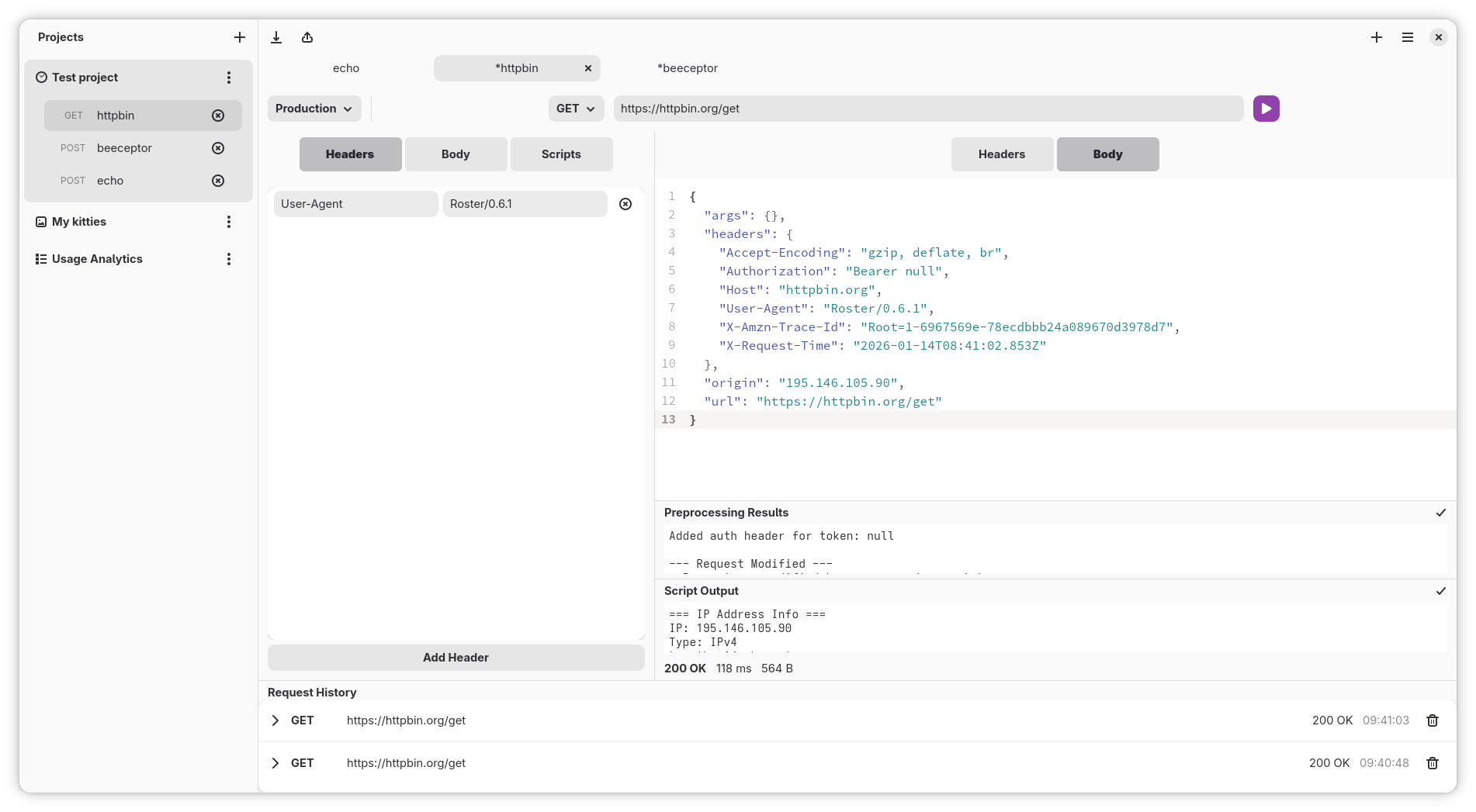
- Send HTTP requests (GET, POST, PUT, DELETE)
- Configure custom headers and request bodies
- View response headers and bodies with syntax highlighting
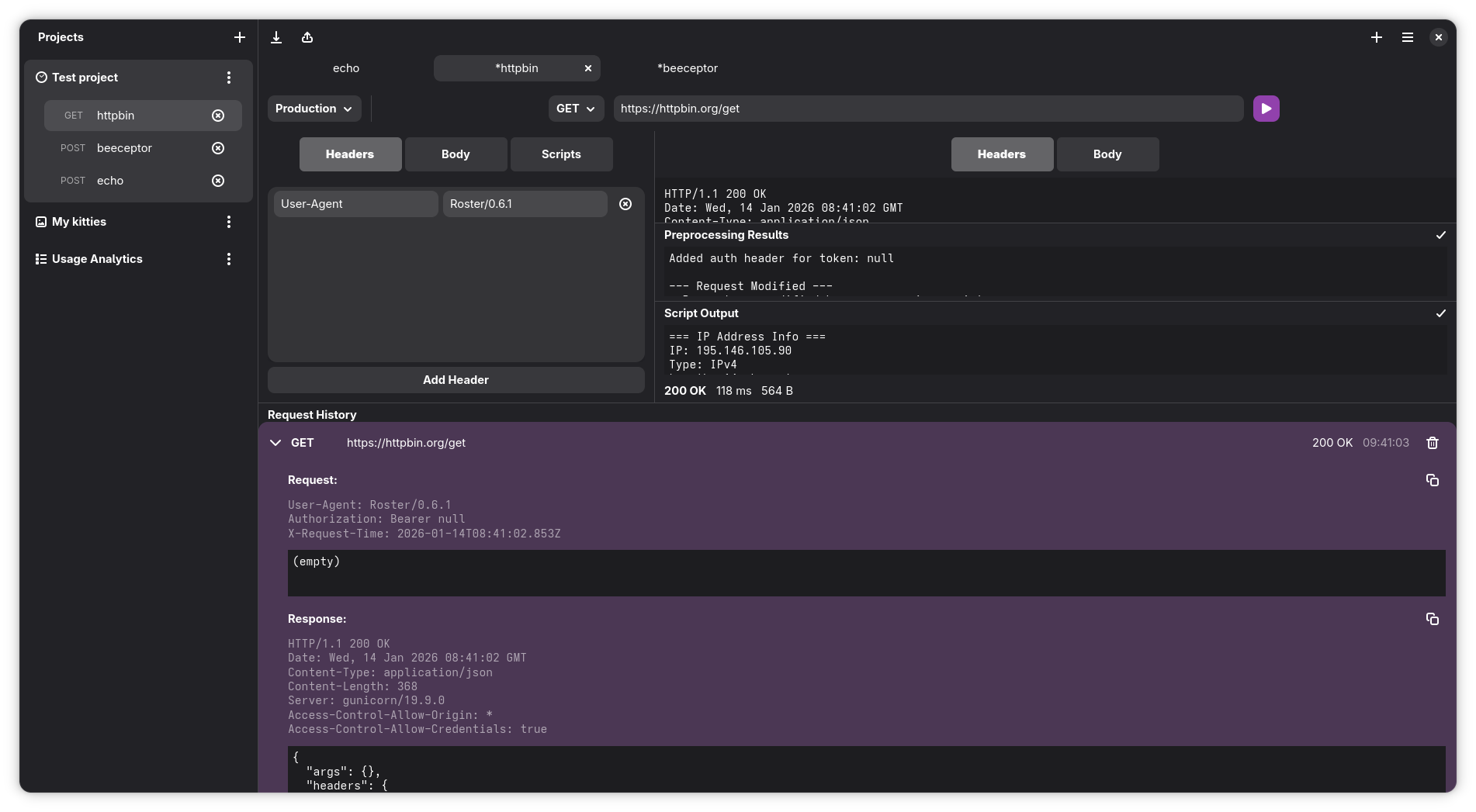
- Track request history with persistence
- Organize requests into projects
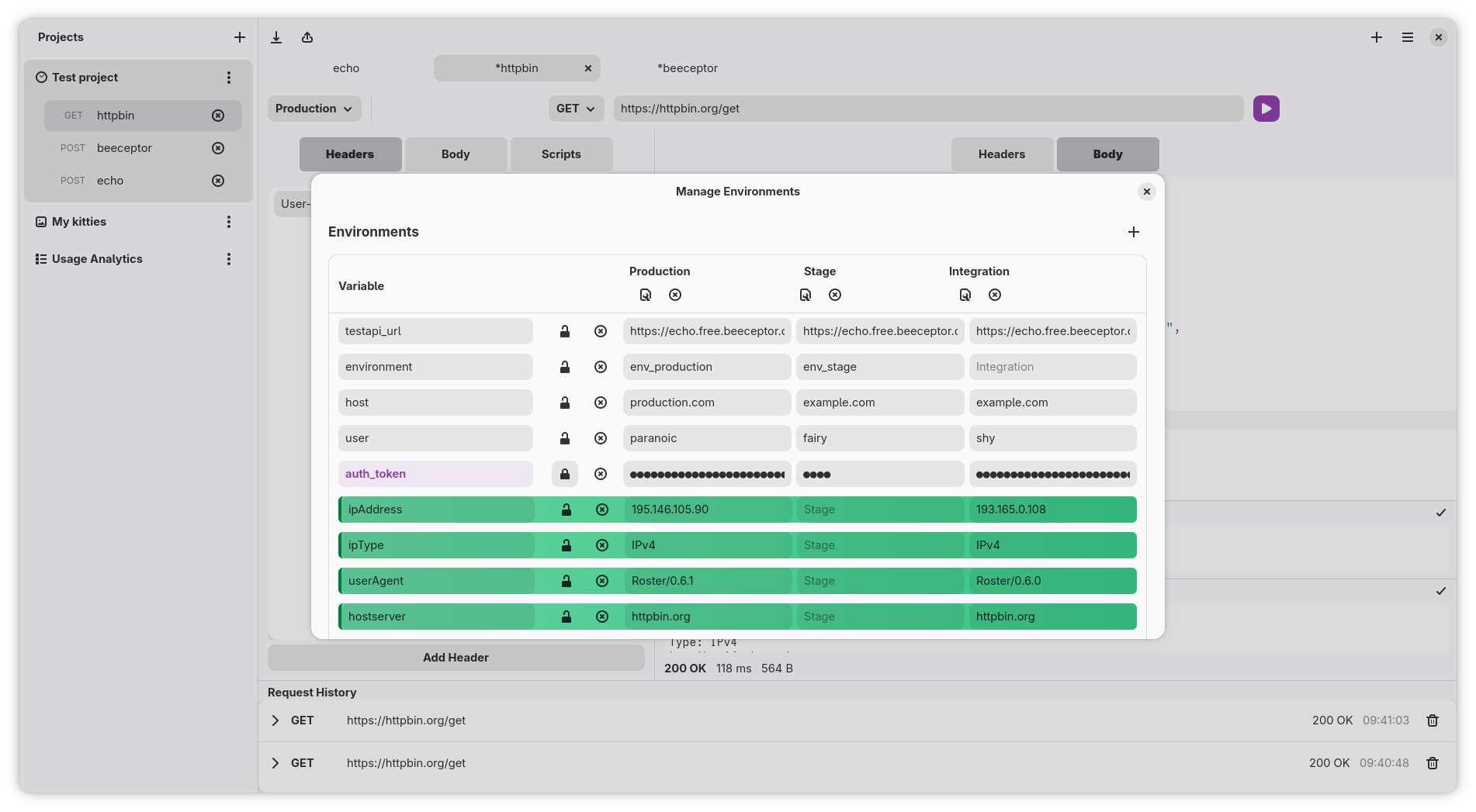
- Environment variables with secure credential storage
- JavaScript preprocessing and postprocessing scripts
- Export requests (cURL and more)
- Git-based collaboration — projects are stored as plain JSON files, one per request, making it easy to share and version-control your API collections with a team
- GNOME-native UI
Screenshots
Main Interface
Request History
Environment Variables
Quick Start
Installation
Build from source:
git clone https://git.bugsy.cz/beval/roster.git
cd roster
meson setup builddir
meson compile -C builddir
sudo meson install -C builddir
Flatpak:
flatpak-builder --user --install --force-clean build-dir cz.bugsy.roster.json
flatpak run cz.bugsy.roster
See the Installation Guide for detailed instructions.
Usage
Launch Roster from your application menu or run roster from the command line.
See the Getting Started Guide for a walkthrough.
Complete documentation is available in the Wiki:
Key Features
Multi-Environment Support
Manage multiple environments (development, staging, production) with different variable values. Switch environments with one click.
Secure Credential Storage
Store API keys, passwords, and tokens securely in GNOME Keyring with one-click encryption. Regular variables are stored in JSON, while sensitive variables are encrypted.
Learn more about Sensitive Variables
Git-Based Collaboration
Every project and request is stored as a plain JSON file under ~/.local/share/cz.bugsy.roster/projects/. This makes it straightforward to share your API collections with a team:
# Put your Roster data directory under version control
cd ~/.local/share/cz.bugsy.roster/projects
git init
git remote add origin git@example.com:your-team/api-collections.git
git add .
git commit -m "Add API collections"
git push
Team members can then clone the repository into their own data directory and get the full set of projects and requests instantly. Changes to requests show up as clean, reviewable diffs — each request is a separate file, so there are no merge conflicts from unrelated edits.
JavaScript Automation
Use preprocessing and postprocessing scripts to:
- Extract authentication tokens from responses
- Add dynamic headers (timestamps, signatures)
- Chain requests together
- Validate responses
Dependencies
Runtime
- GTK 4
- libadwaita 1
- Python 3
- libsoup3 (provided by GNOME Platform)
- libsecret (provided by GNOME Platform)
- GJS (GNOME JavaScript)
Build
- Meson (>= 1.0.0)
- Ninja
- pkg-config
- gettext
See the Installation Guide for platform-specific dependencies.
Platform
Roster is built specifically for the GNOME desktop using native technologies:
- GTK 4 - Modern UI toolkit
- libadwaita - GNOME design patterns
- libsoup3 - HTTP networking
- libsecret - Secure credential storage
- GJS - JavaScript runtime for scripts
License
GPL-3.0-or-later
Support
- Issues: git.bugsy.cz/beval/roster/issues
- Wiki: git.bugsy.cz/beval/roster/wiki
- Source: git.bugsy.cz/beval/roster
Contributing
Contributions are welcome! Please open an issue or pull request.